
Legacy archive: Originally published on Tumblr on May 20, 2014. Preserved here as part of ISO an NLE; software details, workflows, and opinions reflect the period in which it was written.
Reviving this blog for 2014, I am keeping the name but I have committed to my post workflow – at least for now.
I LOVE Adobe’s CC suite of applications. At the core, I use Premiere every day. I have some issues with it and things I wish it had but by and large, it’s everything I loved about FCP 7 with the horsepower of FCP X. I am sure I have said that before but I have since cut several projects on Premiere from start to finish and even resurrected a project from the annals of FCP 7. This is now my go-to application, and that took some time.
Let’s look at some of my favorite features:
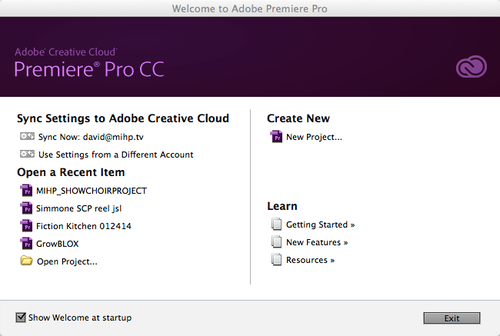
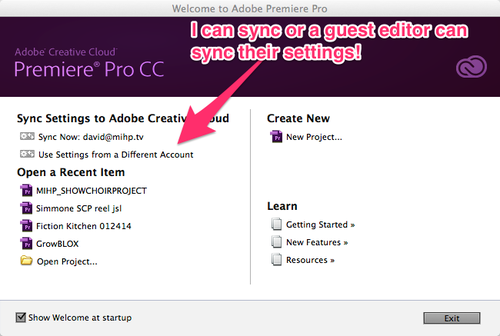
This is the start-up screen for Premiere Pro CC. It’s everything I loved about AVID that FCP didn’t do. Shows me recent projects, lets me create a new one, and I can SYNC my settings using my Creative Cloud subscription (Yes, I bought it!)
Window Layout:
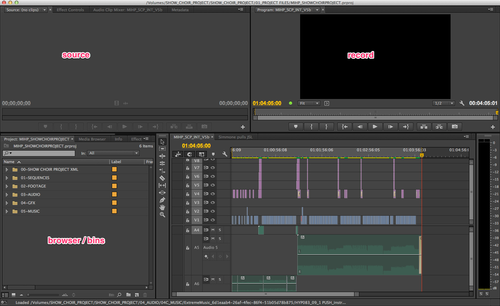
Super simple layout that we are familiar with. Nothing new here. However, in this screen shot, you’ll see one of my favorite things and one of my least favorite things.
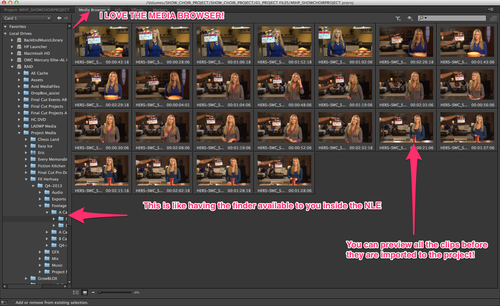
Using the ` key on my keyboard, I have made this window full screen which is a great shortcut in and of itself. This is actually the project panel/ browser/ bin window. The next tab over is the Media Browser. I LOVE the Media Browser. You can drill down to a camera card and preview all the media before it comes in. This is very similar to FCP X’s import window however, FCP DOES have a leg up here.
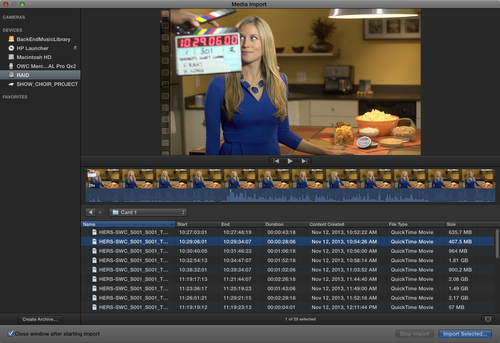
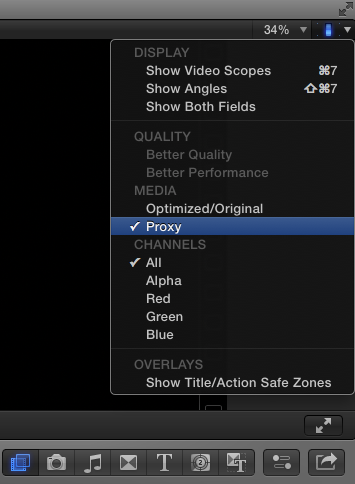
With FCP X, you can create proxies upon import and switch back and forth.
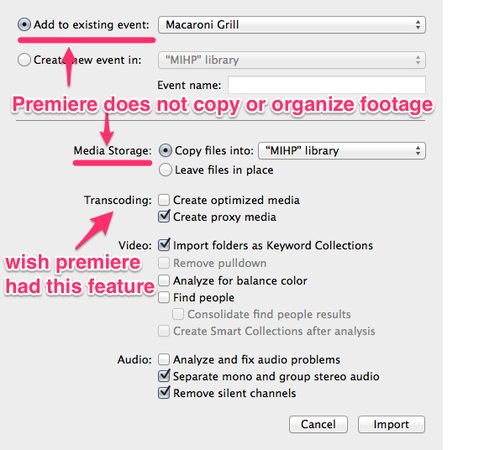
In premiere, it’s a straight import to your project from the raw media. You want proxies? Get yourself a ClipWrap license, or use Adobe Media Encoder prior or cutting. I really wish Premiere would automate the proxies process as an option. However, unlike FCP X and even Avid’s Media Composer, Premiere is not a database program which I think works as a disadvantage. Your clips remain where they are so you have finder-level organization to do prior to starting your project. I have, though, revamped how I organize my projects on the finder level essentially creating the same environment that FCP X creates inside it’s libraries.
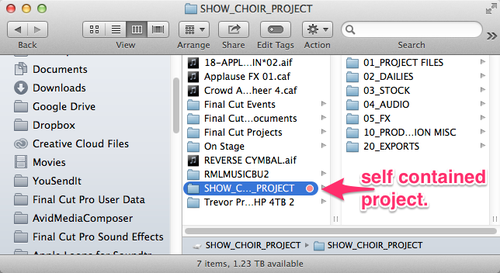
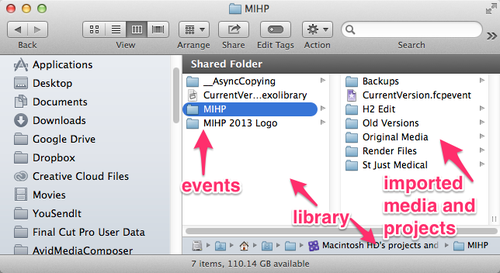
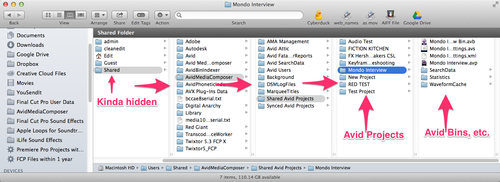
And that’s not even where the MEDIA is kept. You have to know where you set your media to be written to.


Sometimes when working on multiple projects simultaneously, I will rename the 1 folder to the name of the project I am moving on from, that way my new 1 folder is just the current project. Then I’ll rename and open the other project when I come back to it, but that is not recommended.
Back to premiere:
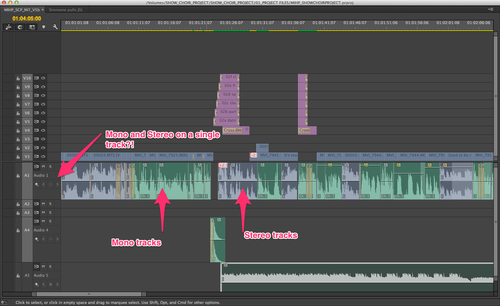
This issue STILL confounds me and I am still limping along here. In FCP 7, mono tracks took up one track and stereo tracks took up two tracks. 4-track audio took up 4 mono tracks, etc. It made sense – in my brain anyway. In premiere, you can have Audio 1 have 32 tracks of audio?! If you have some simple way to explain this to me, please do. I find myself doing a lot of this:
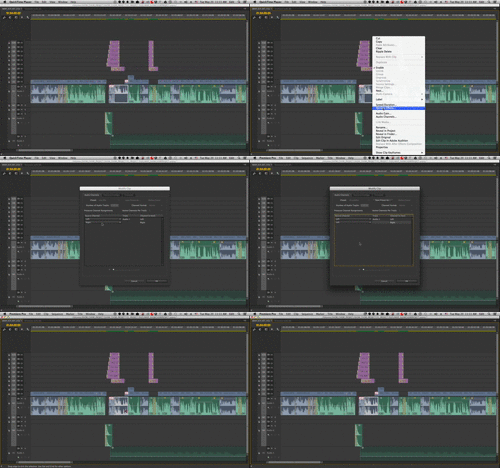
It’s probably not the best way but it works in the bay with clients for now. If you have the solution, let me know. Where I find it get confused is from initial project setup, then multicam grouping, then editing. I think the AEs are somehow not grouping the audio to the cameras correctly and I am getting 4 tracks with 3 of them empty then Premiere’s timeline is interpreting them as left only on a stereo track and then I have to send left out to both left and right speakers. Really more complex than it needs to be.
I’ll continue with more of these workflow issues and loves I have. There are plenty of them! Oh, and while I wanted to commit to using all the default Premiere shortcuts, I have been customizing my keyboard more and more to the FCP shortcuts. The ones built in got me about 80% there but there are many things it left out like jumping to the next marker. I did, however, embrace the ’ key as the ripple delete and have even mapped ripple delete to that key in FCP 7!